

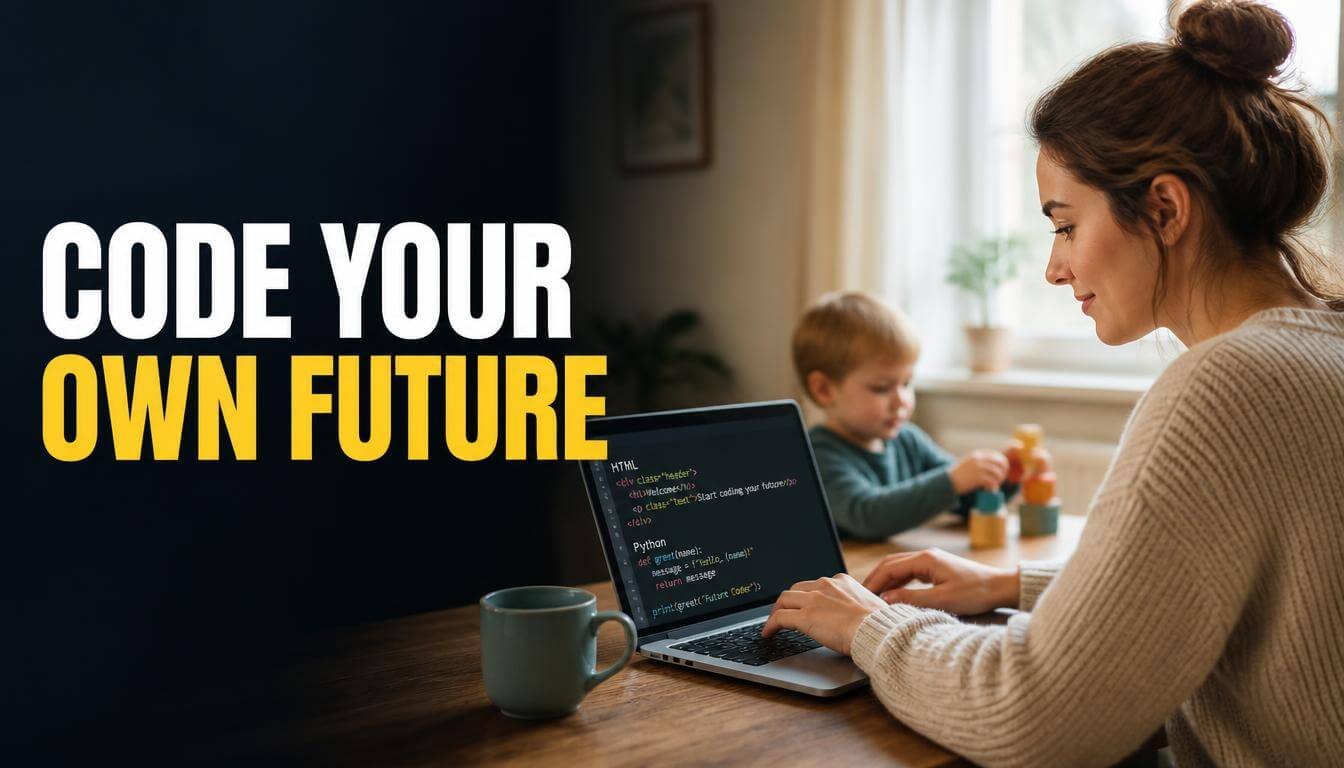
Finding beginner friendly coding tutorials for stay at home moms felt nearly impossible when I first started looking. Every single resource assumed I had hours of uninterrupted time and zero toddlers climbing my legs. The truth is, you can learn to code in twenty-minute pockets between snack requests and diaper changes. My laptop became my quiet rebellion against the endless loop of laundry, lullabies, and lukewarm coffee.
What Makes Beginner Friendly Coding Tutorials for Stay at Home Moms Different
Most coding courses assume you can sit down for two solid hours with headphones on and zero interruptions. That is not our reality. The platforms on this list all share a few non-negotiable traits: lessons you can pause instantly, progress that saves automatically, and content that makes sense even when your brain is running on three hours of sleep. Flexibility is not a bonus feature for us. It is the entire point. I wasted weeks on courses that required long video lectures before I realized I needed something that respected my unpredictable schedule. The best resources for moms also avoid heavy jargon and let you practice in small bursts. If a platform makes you feel behind because you missed a week or two, it is simply not built for your life.
1. freeCodeCamp
This completely free platform saved my sanity during those 1 AM feeding sessions. The curriculum breaks HTML, CSS, and JavaScript into tiny bite-sized challenges you can finish in under ten minutes. I loved that I could close my laptop mid-lesson and pick up exactly where I left off the next day. The community forum is full of other parents learning at odd hours, which made me feel way less alone. No credit card required, no catch.
2. Codecademy
Codecademy’s interactive lessons felt like a game instead of homework, and I desperately needed that energy. You type real code directly in the browser, so there is zero setup and zero excuses. The free tier covers Python and web development basics, which is honestly enough to get your feet wet. I bounced between lessons while my toddler watched Bluey, and the instant feedback kept me motivated even on the most exhausting days.
3. Mimo App
Mimo turned my phone into a pocket coding classroom, and that changed everything for me. Nap time lasted exactly twelve minutes on a good day, and Mimo’s micro-lessons fit perfectly into that tiny window. The app teaches Python, JavaScript, and HTML through quick quizzes and short exercises that feel more like scrolling Instagram than studying. I completed my first full Python project during a week of sleepless nights. FYI, the free version is surprisingly generous.

4. Sololearn
Sololearn’s mobile-first approach made it the easiest option to use one-handed while holding a sleeping baby. The lessons are short, the community is active, and the code playground lets you experiment without installing anything on your device. I started with their C++ course on a whim and ended up switching to Python after two weeks. The built-in quizzes kept my brain engaged during those long afternoon stretches when the house was finally quiet.
5. The Odin Project
The Odin Project is the real deal if you want to build actual websites and not just collect certificates. It walks you through setting up a real development environment on your computer, which terrified me at first. Once I got past the initial setup hurdle, everything clicked. The lessons are text-based, so you can read at your own pace during quiet moments. IMO, it is the most thorough free option out there.
6. SheCodes
SheCodes was built specifically for women with zero tech background, and that focus made all the difference for my confidence. The workshops cover HTML, CSS, JavaScript, and responsive design in a warm, supportive format that never made me feel stupid for asking basic questions. The paid plans are affordable, and the free intro workshop is a great way to test the waters. I finished their foundational course in about three months of stolen evening minutes.
7. Khan Academy
Khan Academy’s computing section is completely free and surprisingly well-structured for absolute beginners. The video lessons are short and conversational, almost like a patient friend explaining things over coffee. I used their JavaScript course to understand the logic behind coding before I moved on to more hands-on platforms. The practice exercises are gentle enough that you will not feel overwhelmed, even on your absolute worst parenting day. It is a perfect warm-up before tackling something more intensive like freeCodeCamp or The Odin Project.
8. Udemy (Specific Courses)
Udemy is tricky because the quality varies wildly, but the right course can be a goldmine. I grabbed a Python bootcamp by Angela Yu during a $12 sale and got more value from it than some courses charging ten times that price. The key is reading recent reviews and checking the last update date before you buy. Wait for a sale, because Udemy runs them constantly. Never pay full price. The lifetime access means you can revisit lessons months later when your schedule finally opens up.
9. Coursera (Audit Mode)
Coursera lets you audit courses from top universities like Stanford and the University of Michigan for free, which blew my mind when I first found out. You get access to all the video lectures and readings without paying a cent. The only catch is that graded assignments and certificates require payment. I audited their Python for Everybody specialization and learned more in six weeks than I had in months of random YouTube tutorials. The academic structure gave my scattered brain something to hold onto.
How to Build a Realistic Coding Schedule Around Your Kids
Forget the advice about waking up at 5 AM to code. I tried that for exactly four days before I started crying into my coffee. The schedule that actually worked for me was fragmented and messy, and that is okay. I coded for ten minutes during breakfast, fifteen minutes during nap time, and maybe twenty minutes after bedtime. Some days I got nothing done, and I stopped beating myself up about it. Consistency over perfection is the only rule that matters when your schedule changes every single week. I also learned to keep my laptop open on the kitchen counter so I could jump into a lesson the second my toddler got absorbed in a puzzle. Removing that tiny friction of opening the laptop and logging in made a bigger difference than I expected. Your coding schedule will look nothing like a traditional student’s, and that is perfectly fine.

Common Mistakes New Mom Coders Make (and How to Skip Them)
The biggest mistake I made was trying to learn three programming languages at once. I thought more was better, and I ended up confused about all of them. Pick one language and stick with it for at least two months before you even think about branching out. Another trap is comparing your progress to people on social media who code full-time with no kids. Your journey looks different, and that is completely fine. Even fifteen minutes of beginner friendly coding tutorials for stay at home moms adds up faster than you think. I also see a lot of new mom coders get stuck in tutorial hell, where they watch lesson after lesson without actually building anything. Force yourself to create a tiny project as soon as you understand the basics. A simple to-do list app or a personal recipe page counts. Real learning happens when you type the code yourself and break things.
Frequently Asked Questions
How much time do I really need each day to learn coding?
Honestly, fifteen to twenty minutes is enough to make real progress. I coded during nap times and after bedtime for months before I noticed how much I had actually learned. The key is showing up consistently, not logging marathon sessions that leave you too exhausted to function the next morning. Small efforts compound quickly.
Do I need any tech experience before starting?
Not at all. I had zero coding knowledge when I started, and my previous career had nothing to do with computers. Platforms like freeCodeCamp and SheCodes are designed for complete beginners. You will write your first line of code within minutes of signing up, and it feels surprisingly empowering.
Which programming language should I learn first?
Python is the most popular recommendation for complete beginners, and I agree with it. The syntax reads almost like plain English, which makes it less intimidating when you are already mentally drained from parenting. If you want to build websites specifically, start with HTML and CSS instead. Both paths lead somewhere great.
Are there beginner friendly coding tutorials for stay at home moms that are completely free?
Yes, and some of the best ones cost nothing. freeCodeCamp, The Odin Project, and the free tiers of Codecademy and Sololearn all offer substantial content without charging a dime. I built a solid foundation using only free resources before I ever considered paying for a premium course.
Can I actually get a coding job after learning from home?
Absolutely. Many freelance developers and remote workers started exactly where you are right now. I personally know several moms who landed their first web development clients within a year of starting to code. Building a small portfolio of real projects matters far more than any degree or certificate you could earn.
Conclusion
You already have the patience and the multitasking skills to learn something completely new, even if it does not feel that way right now. Pick one platform from this list, open it during your next quiet moment, and write your first line of code. What language are you thinking about starting with?